Security Tip: Advisors Keep Client Data On Their Computers And Need A Policy For Protecting Client Data From Malware Hot

Write Review
With social engineering scams becoming much more clever, it’s wise to avoid downloading from just anywhere. You need a policy.
Even if you’re a sole proprietor, this goes for you. But it goes double for you if you have staff.
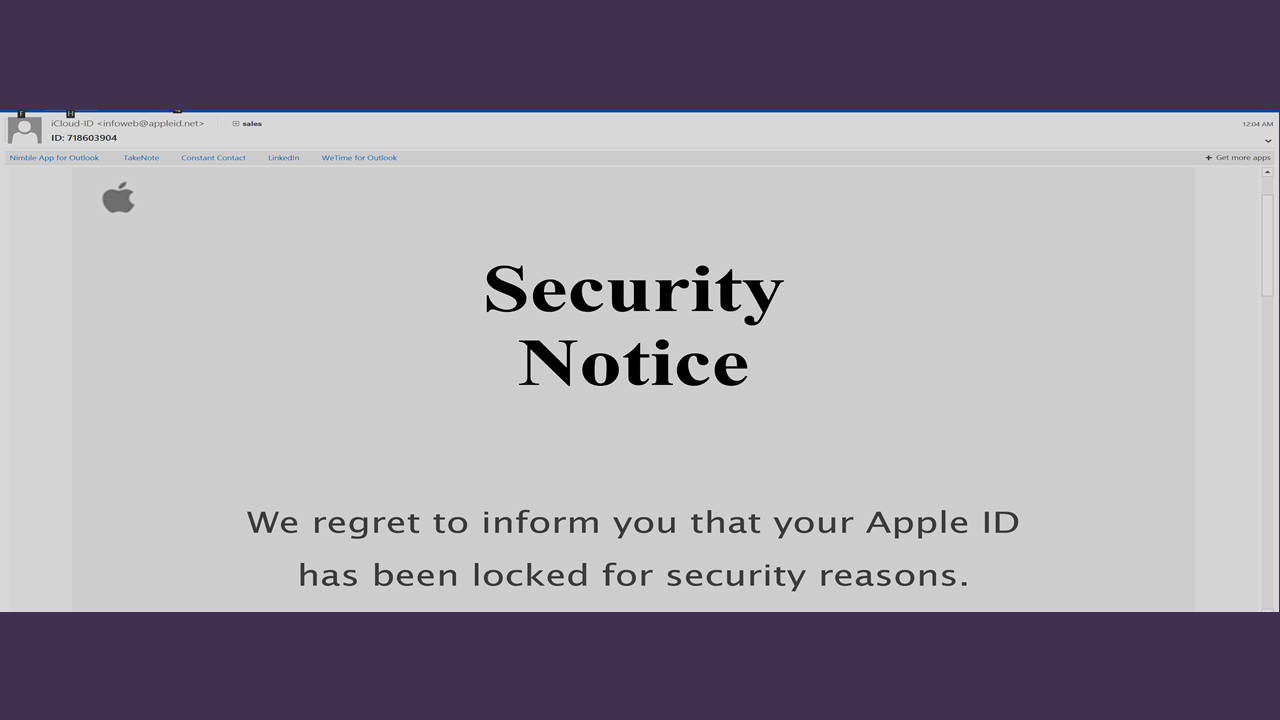
I recently reported on a social engineering scam that fakes victims into downloading an antivirus program is actually a Trojan and sends sensitive personal information to digital crooks. The crooks are more crafty.
Financial advisors store on their computers some valuable personal data on their clients. Social security numbers might be there, for instance, and maybe credit cards. You are obliged to protect client data, especially if you’re holding yourself out as a fiduciary.
Under the current inspection regime, RIAs are examined on average only once every decade. So there’s not much risk of being caught for being sloppy with security. My guess is that examiners do little to make a determination as to whether you are properly protecting client data from malware. It’s probably not even on a state of federal examiner’s checklist.
However, getting client data hacked nonetheless poses a serious risk to RIAs. If a hacker gets hold of client social, credit card or other personally identifiable information, state and federal laws come into play with mandatory notifitcation requirements. That could be costly and embarrassing.
Here are some ideas for limiting your risk.
Company Download Policy
Set a policy in your company on downloading software. Maybe owners are allowed to download but not staff. Or maybe only your IT director can download programs.
If you’re an owner, the policy should put you on alert whenever you download anything. But it must prevent computer novices from downloading malware.
The policy does not mean that you cannot download from Google, Microsoft, and your tech vendors. While making it much harder to succeed for phishing scams and other social engineering schemes, the policy has to be practical.
Download.com
Most of the programs advisors download are brand names. Still, for a website to make itself look like Google or Bank of America is not impossible.
So when you do need a program, try www.download.com. I’ve been using this site for over a decade and trust it.
The site hosts downloads for thousands of apps. If you need a picture editor, password management app, or a driver for your printer, this is a safe place. CNET screens all downloads for common viruses and spyware and looks for other threats that might interfere with user security, privacy, and control. While nothing is guaranteed, it’s safer than hitting a random site on the Web and downloading a pram fromt here.
Keep in mind, only the downloads on downlowd.com are screened for malware. Ads posted on download.com that take you to other sites to download programs could be risky.
This Website Is For Financial Professionals Only

User reviews
There are no user reviews for this listing.